Copilot Mode turns Microsoft Edge into an AI-browser
The next step in the evolution of web browsers seems to turn the browser into an agentic tool that handles more than returning answers to user queries. Several AI-based browsers are in development, some are already available for testing.
Microsoft was one of the first browser makers that integrated AI into the browser. Heck, it even renamed Microsoft Edge to Microsoft Edge: AI Browser on Android and iOS. Basic at first, as you could simply interact with AI directly in the Edge browser. Now, Microsoft announced the next step for its Edge browser. Called Copilot Mode, it is enabling more AI features in Edge and changing some core features of the browser fundamentally.
The new feature is available in all Copilot regions. You need the latest stable version of Microsoft Edge. Those appear to be the only requirements. To get started, visit the Copilot Mode page on Microsoft's website and flip the toggle to enable the feature. You may also go into Settings > AI Innovations to start the process from there.
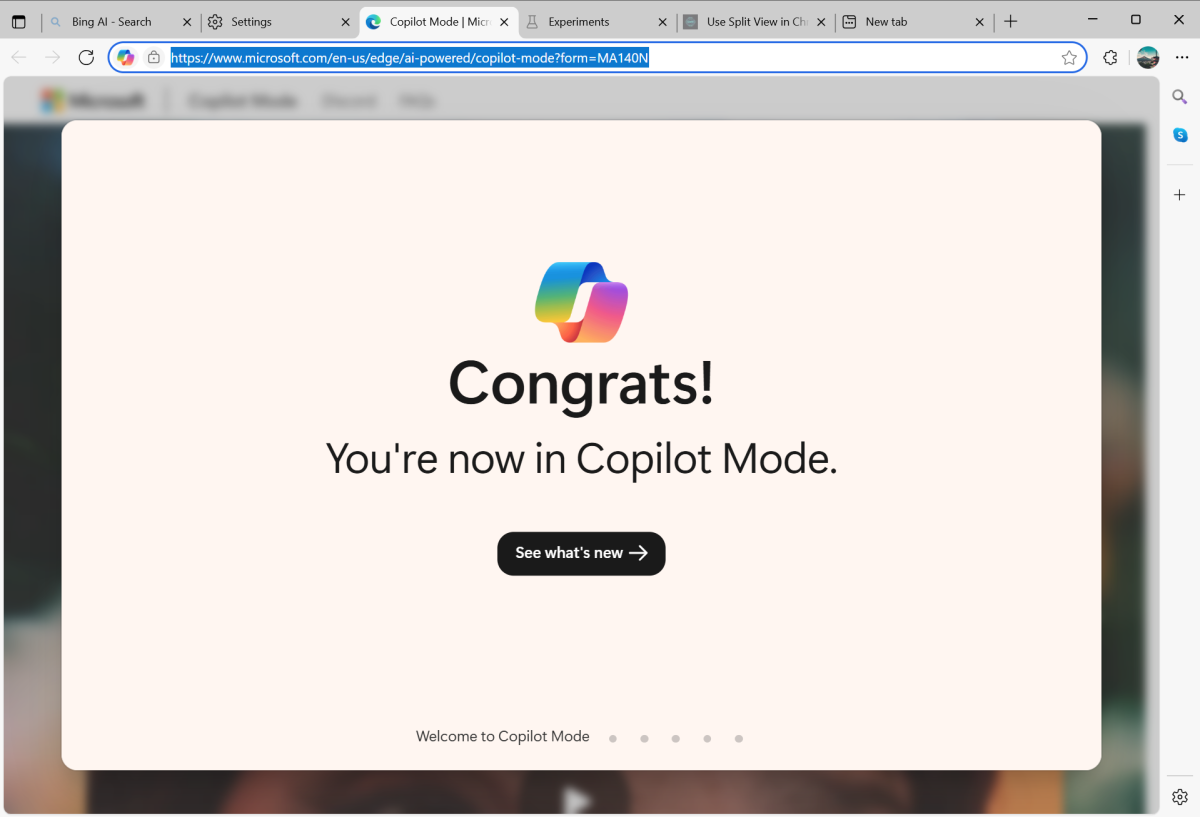
You get a short intro to Copilot Mode on the page that lists the major changes and features. The very first change you may notice is that the new tab page has been taken over by Copilot.
It contains a big input field for interactions with the AI. The default mode is "search & chat", but you can switch to "ask Copilot" or "Think Deeper" for different types of interaction.
Edge displays a few snippets below, like get advice" or "learn something new", that you can click on, and a few links to popular sites like YouTube or Facebook.

Quick Assist plays into wider use of Copilot as well. Click on the Copilot icon or use the shortcut Alt-C to interact with the AI on any webpage. You can ask it to summarize the webpage, videos or PDF documents, or answer questions that you may have.
Copilot Mode extends the reach and capabilities of the AI beyond that. One key feature is the AI's awareness. Copilot "understands what you're doing across tabs", which means that it can compare or summarize information from multiple resources.
Another key feature is task automation. You may instruct Copilot to book appointments, suggest products based on your browsing, or manage errands for you. This agentic behavior requires the user's explicit permission.
Interactions with the AI support voice in Copilot Mode next to text. If you prefer to talk, you can use your voice in Copilot Mode to give instructions to the AI for hands-free interactions.
Copilot has the capabilities to display its responses and user interactions in a sidebar, which you can pin to ensure it is always visible in the browser.
Microsoft says that you can turn off Copilot Mode at any time to return to the classic Edge interface. Apart from that, Microsoft is tight-lipped about privacy. When you enable Copilot Mode, you are still asked to give the AI certain permissions when you run tasks for the first time. Copilot can access open tabs, the browsing history, and page content with user permission only, but it may raise concern about data processing.
It is interesting to note that Microsoft says that it is "free for a limited time". Is this going to be another subscription service? Or one that requires a Copilot subscription for use?
Now You: what is your stance on agentic AI and AI integrations into web browsers? Do you use AI already in your browser? Feel free to leave a comment down below.
Thank you for being a ComTek4u TechTips reader. The post Copilot Mode turns Microsoft Edge into an AI-browser appears on ComTek4u TechTips. (via Ghacks)